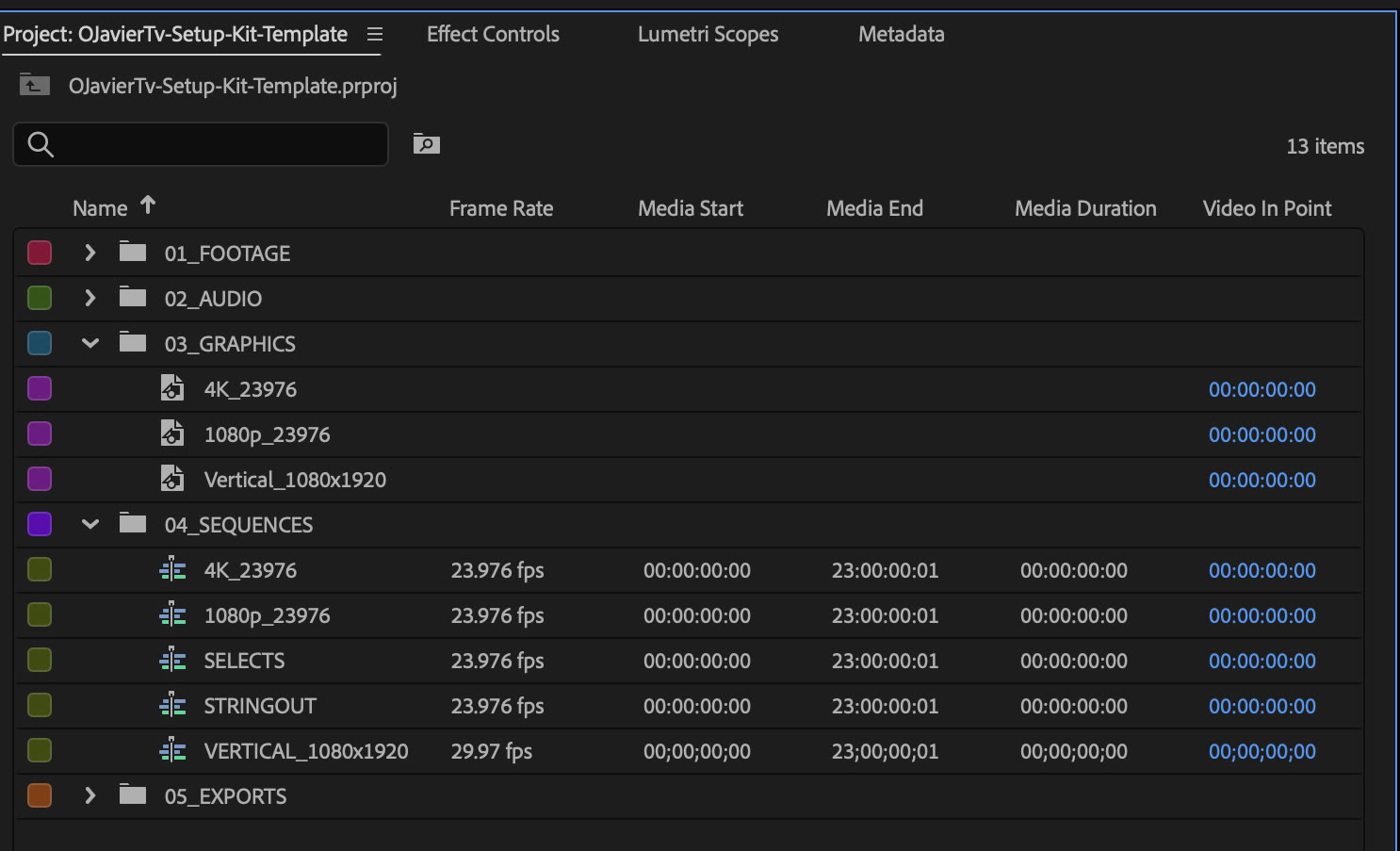
1 template
Five bins, five sequences
Labels colored, an adjustment layer above every sequence, and a 9:16 vertical that's already the right size.
A project template, 5 LUTs and 4 export presets. Set it up once and start every edit from it.
Free. The download link lands in your inbox in about a minute.
This is my own S-Log3 footage from a shoot at my desk. The right side is the same frame through the kit's S-Log3 LUT, with nothing else added.
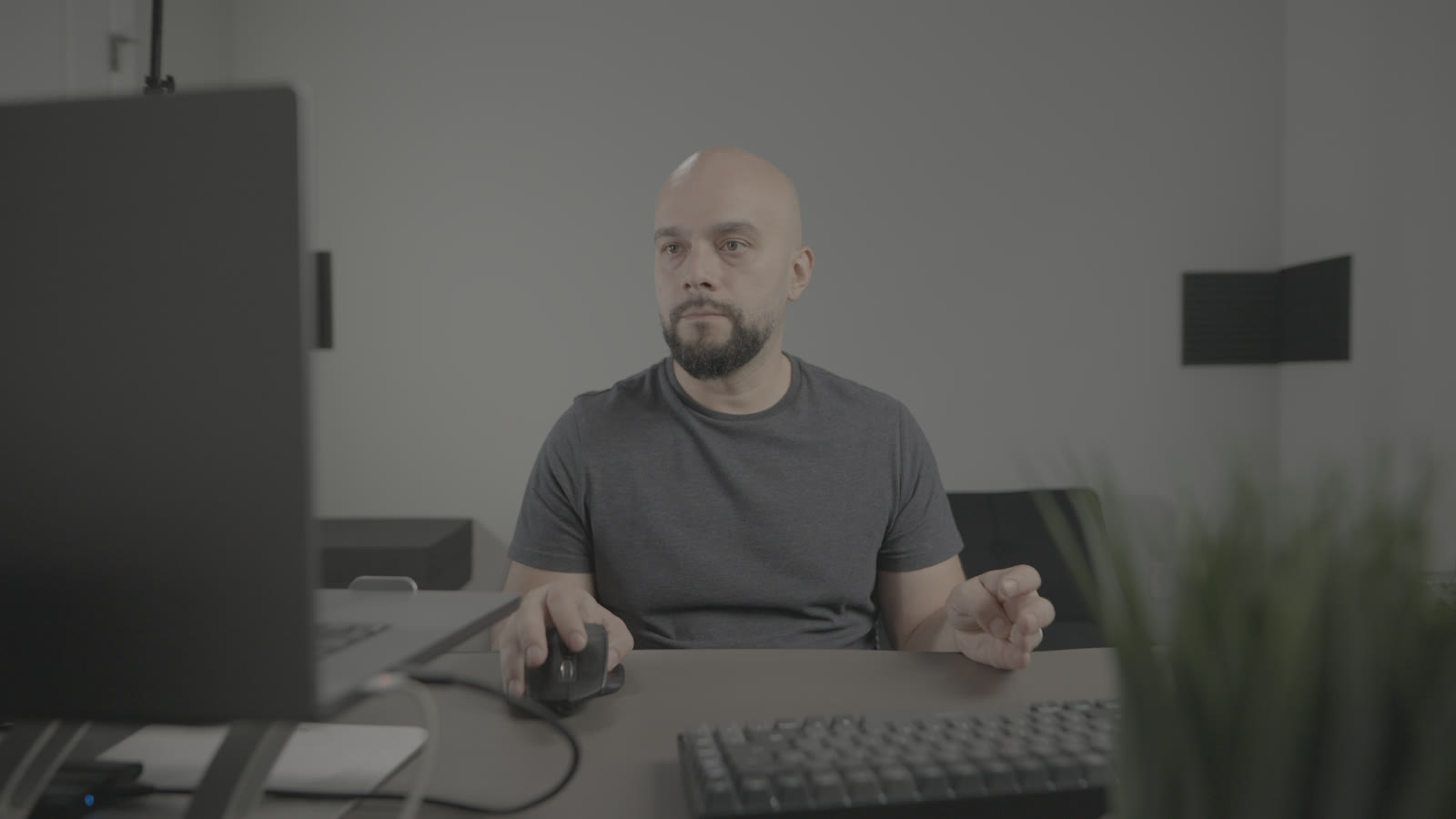
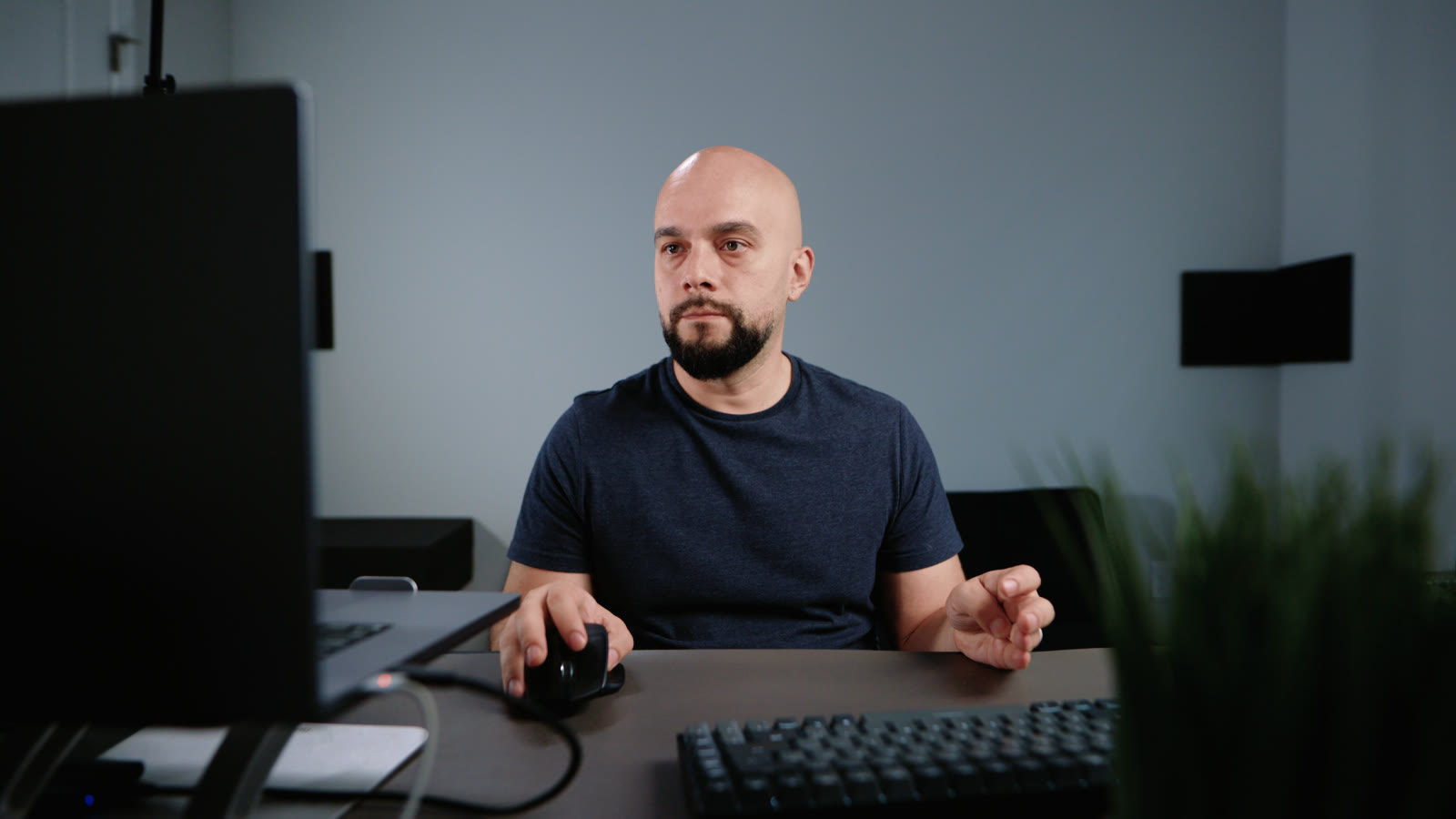 S-Log3, as shotKit LUT 01
LUT: OJTv_01_SLog3_to_Rec709.cube, built from the grade on my last video. Not shooting log? LUT 02 adds contrast back to any flat profile, and three mild looks go on top.
Labels colored, an adjustment layer above every sequence, and a 9:16 vertical that's already the right size.
YouTube 4K, 1080p, vertical, and a small review copy for clients.
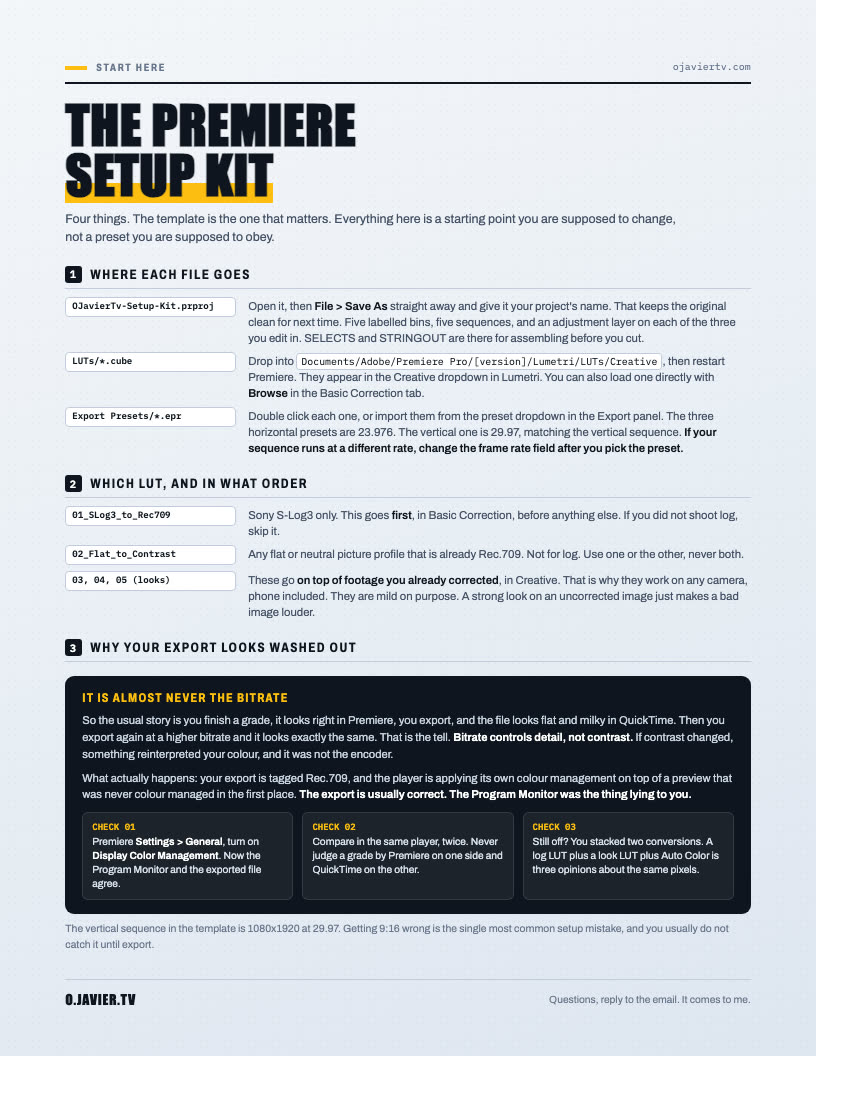
Where each file goes, plus the one Premiere setting behind the milky export. A three-minute read.
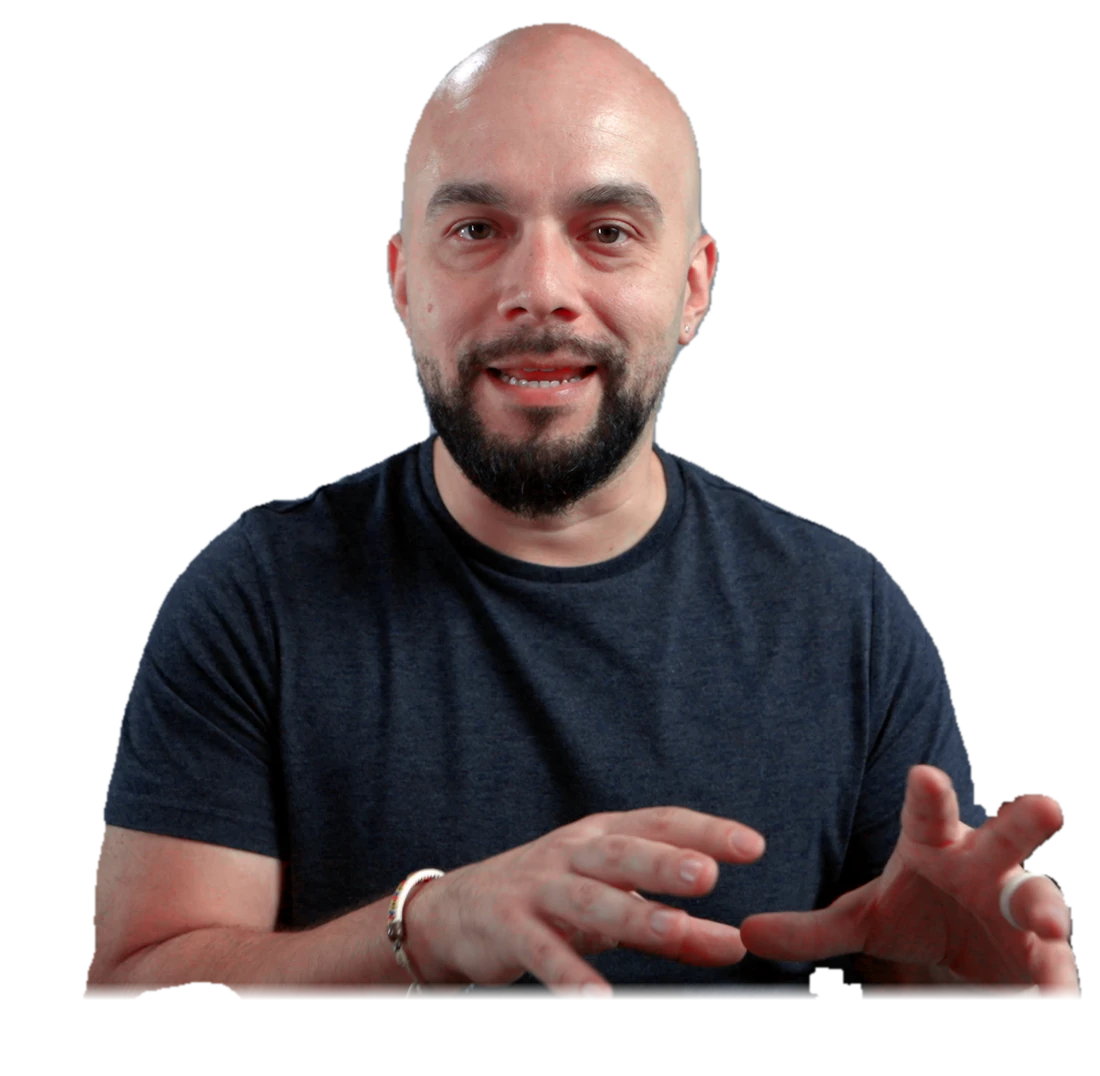
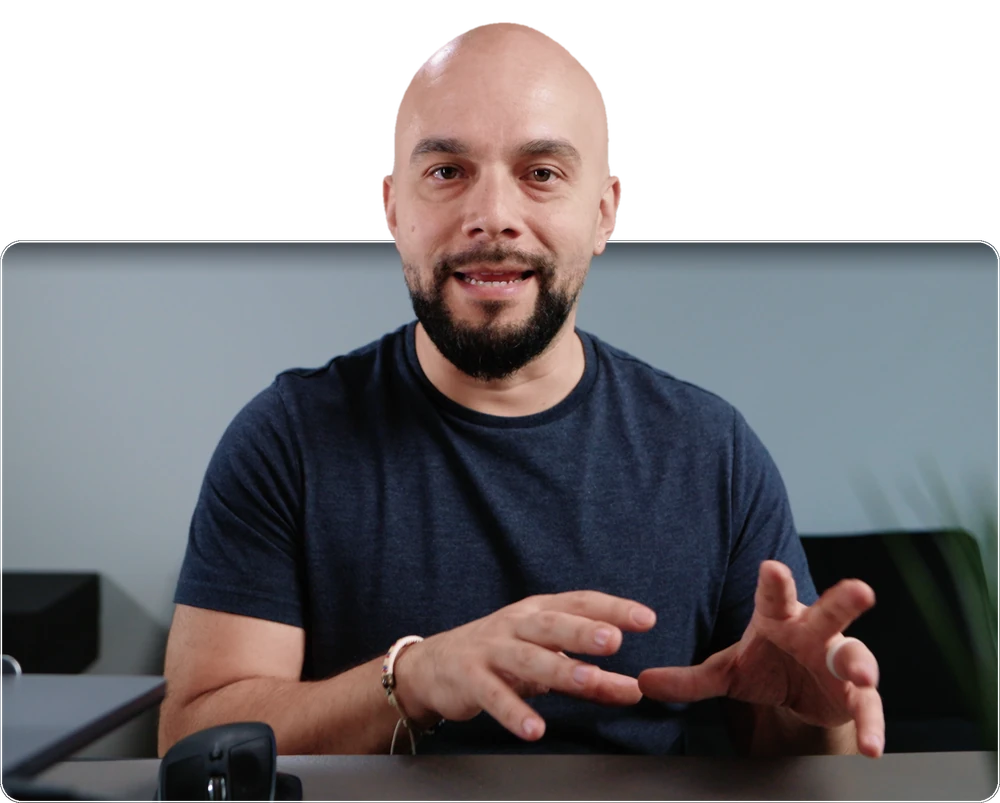
Made by Oscar. I edit in Premiere and run a video production company in Nashville. This is the setup I start my own projects from. The template needs Premiere 2026 or newer.
One email with the download. Unsubscribe anytime.